
duna
Every word, written.

Mac · iPhone
Everything said,
in writing.
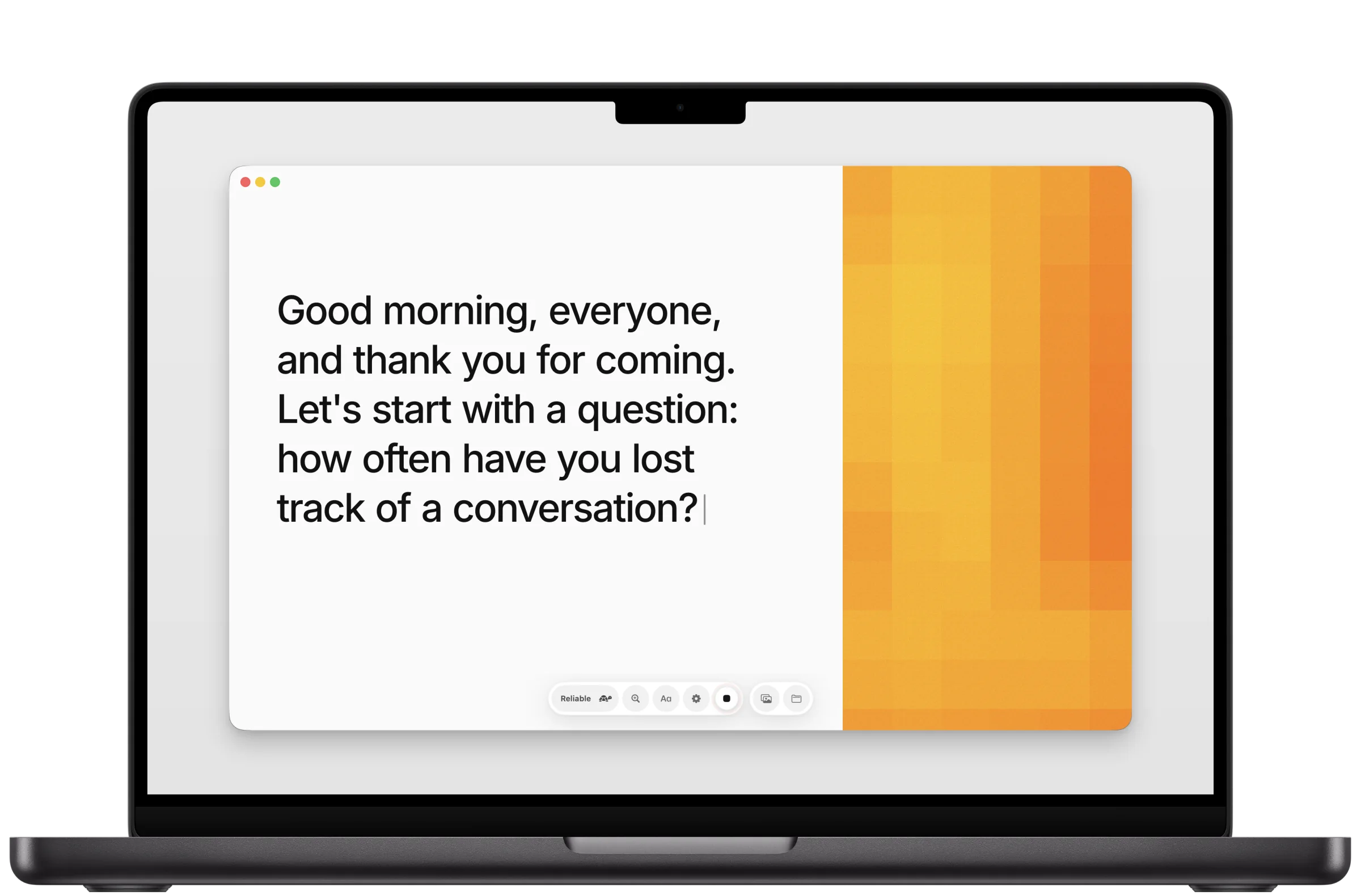
duna turns speech into text as people talk, on the device in front of you. Read a conversation, a class or a meeting live, keep every session, and make subtitles for your videos.
Download on theApp StoreMac and iPhone
One app.
On the Mac and the iPhone.
One download from the App Store gives you both. Each device listens and transcribes on its own: nothing travels between them, or anywhere else.
Live
How it works
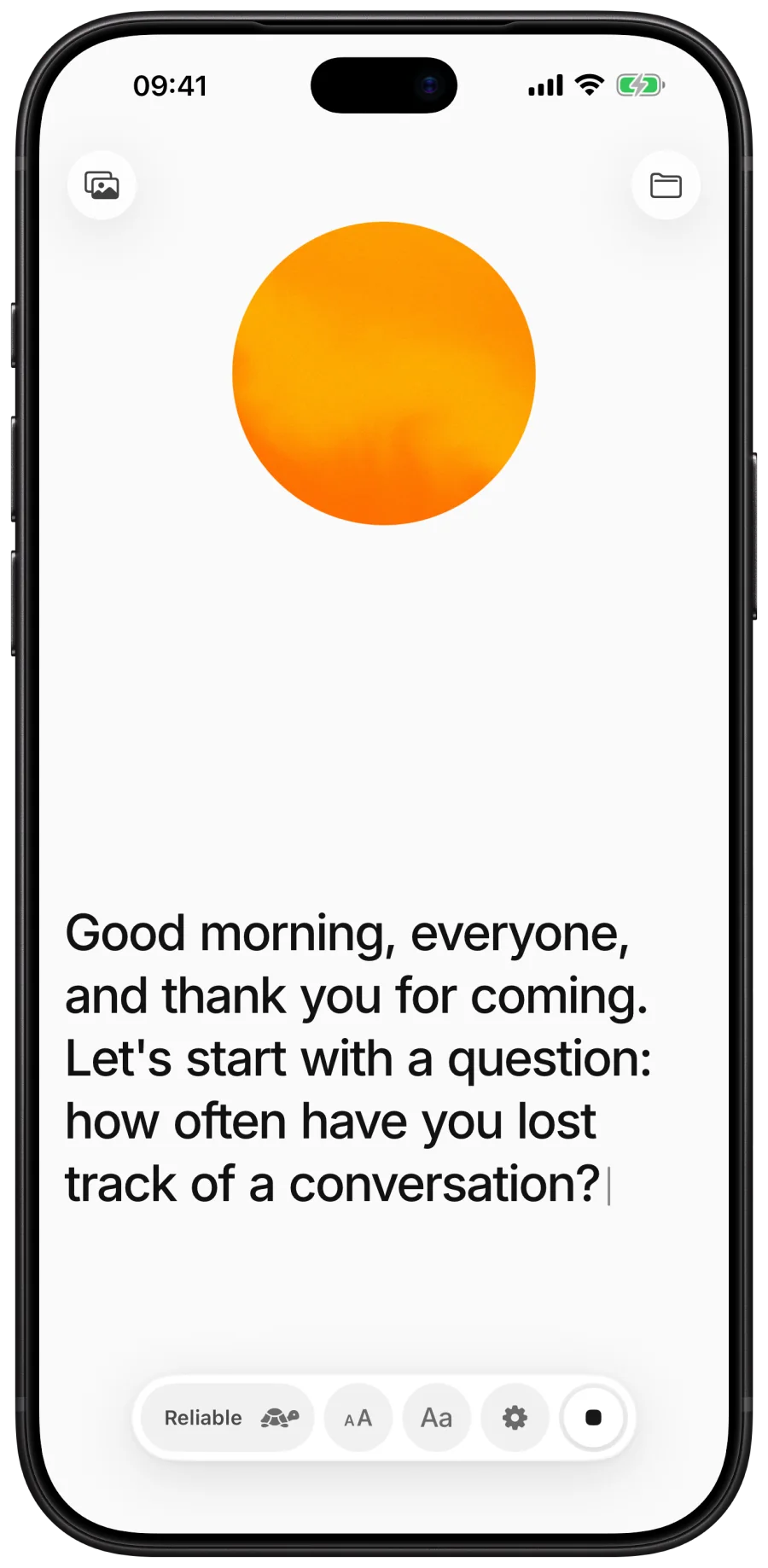
Tap the screen.
Read what is being said.
Words you have already read hold still. The newest line stays at the same height, older lines roll up, and a word only changes while it is still grey. Punctuation, capitals and numbers as digits arrive as people speak.
Everything
Features
Live captions,
and everything after.
Text that holds still
Words you have read never move. Punctuation, capitals and digits as people speak.
A new voice, a new paragraph
When someone else starts speaking, a new paragraph usually begins.
Your type
Large sizes, four typefaces, two of them designed for low vision, light and dark.
Vocabulary
Names and terms of the day, written the way you write them.
Transcripts
Every session you stop is kept, to title, correct and export.
Export
Plain text, Markdown, or .srt subtitles timed word by word.
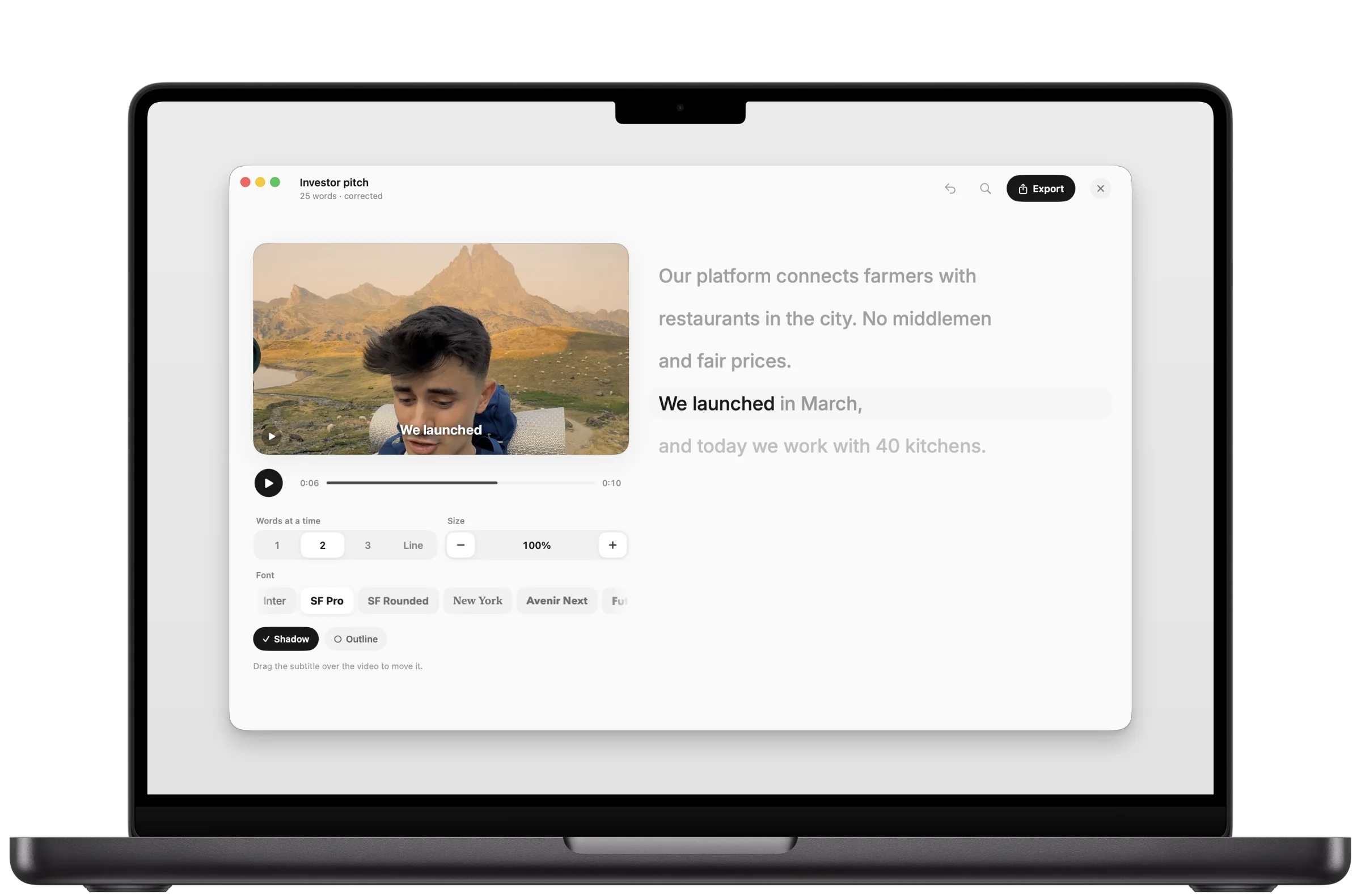
Video subtitles
Choose a video and duna writes its subtitles on the device.
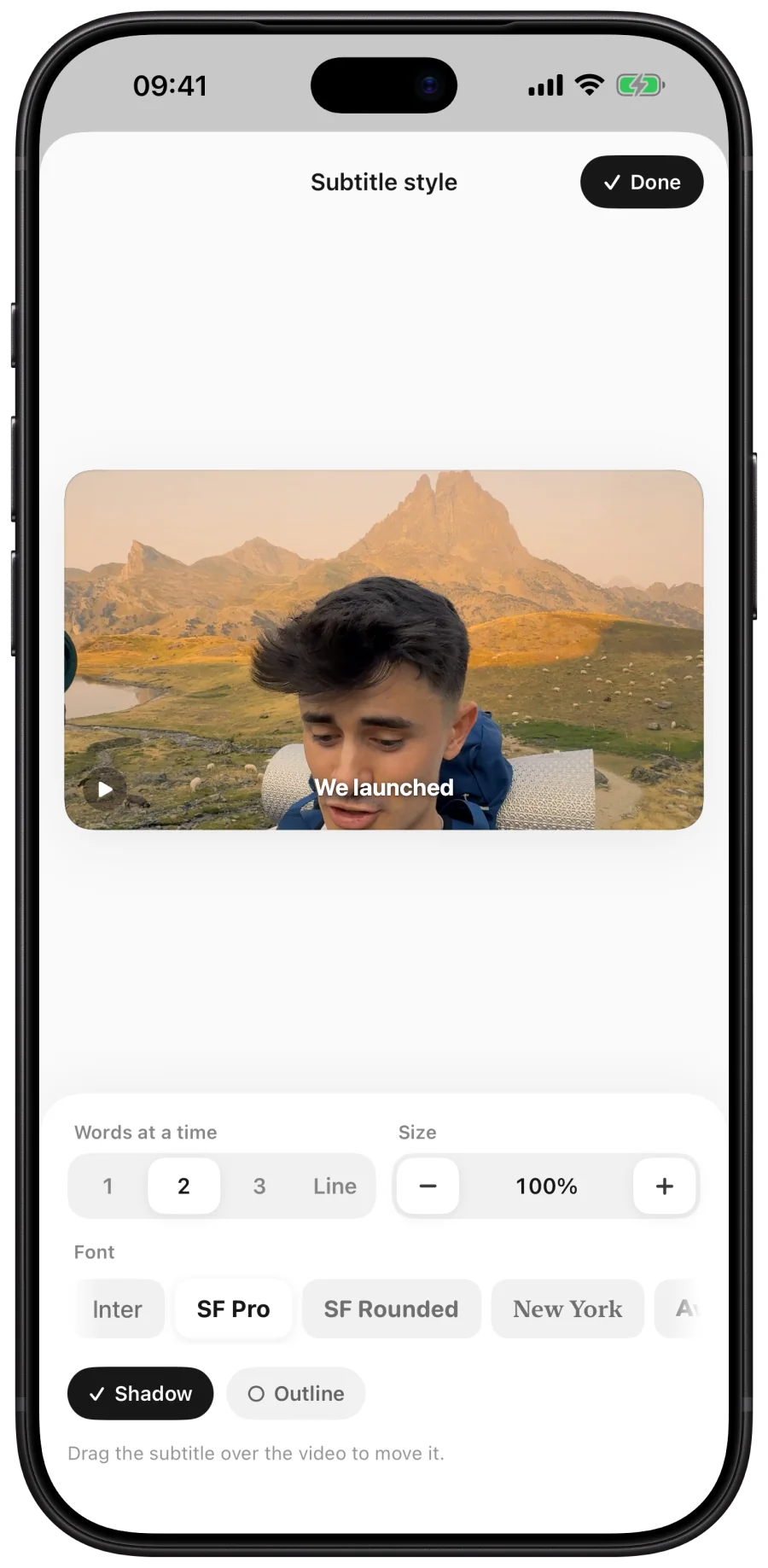
Subtitle editor
Correct line by line, style the captions, export the video with them burnt in.
Shortcuts
Actions for the Shortcuts app, and a Control Center button on iPhone.
Five
Languages
Five languages.
Downloaded once, then offline.
The app stays small: choose the language people will speak and download it once. Galician and Basque are the newest and make more mistakes. The app itself speaks all five.
English
123.4 MB, once
Español
123.4 MB, once
Català
193.7 MB, once
GalegoNew
131 MB, once
EuskaraNew
171.3 MB, once
Privacy
0 bytes
Nothing you hear leaves your device.
No account, no server, no analytics. The speech models run on your own chip, so no audio and no text is sent anywhere, and after a language's one-time download duna works in Airplane Mode. Read the Privacy Policy.
Price
Free.
Every feature, on every device.
No subscription, no in-app purchases, no ads. One download gives you duna on your iPhone and your Mac.
Questions
Short answers.
Do I pay once for both devices?
duna is free, on the iPhone and the Mac. One download from the App Store gives you both.
What do I need?
An iPhone on iOS 26 or later, or a Mac with Apple silicon on macOS 26 or later.
Does it need the internet?
Only to download a language, once. After that, listening, transcribing and making subtitles all work offline.
How accurate is it?
It is an automatic transcription and it can make mistakes, above all with names, noise, music or several people talking at once. Add names to the vocabulary, sit the device close to whoever speaks, and choose Reliable for the steadiest text. Galician and Basque make more mistakes than the other three.
Is it a hearing aid?
No. duna writes what it hears so you can read it. It is not a medical device and does not replace professional captioning.
Which languages can it listen to?
English, Spanish, Catalan, Galician and Basque. Choose one per session: duna transcribes the language you chose.
Where are my transcripts?
On the device where you made them, in duna's folder. They are not uploaded and they do not sync between devices.
Something else? Support answers every message.